Voice
$7.99 / month
- Unlimited local dictation
- File transcription
- History and quick insertion
Dictate, translate and keep typing.
A small companion for your everyday work.
7 days local dictation free. No card. Mac, Windows and Android.
Your voice
Hello! Would you be available to meet tomorrow at ten?
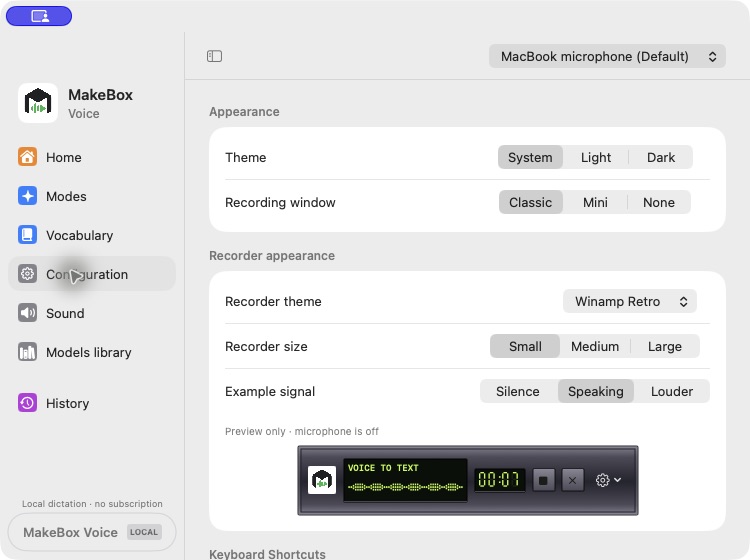
 00:07
Ready to paste
¡Hola! ¿Te vendría bien reunirte mañana a las diez?
Interactive example · microphone off
Use on your device or with optional cloud processing. You’re in control.
Choose automatic recognition with a supported model.
Choose the output language for AI translation in Pro.
An animated walkthrough with English narration, dictation and automatic insertion.
Meet MakeBox Voice. Turn speech into text wherever you work. Choose your keyboard shortcut. Press it to start recording, speak, then press it again to stop. After transcription, your words appear in the text field you selected. Need another language? With Pro, choose your output language. Here, English becomes Spanish. Review the result before sending. Source-language detection is automatic with Parakeet V3, which supports twenty-five languages. Pro currently offers eighteen translation languages. Choose local recognition, or explicitly switch to cloud processing on a supported platform. On Mac, allow your microphone and Accessibility for text insertion. On Android, keep typing with the full Ukrainian and English keyboard. Download the beta for your platform at voice dot makebox dot A I.
Download your app, then sign in or create a Voice account to start your 7-day local trial.
Windows is available in Microsoft Store and Android in Google Play. Direct beta downloads are also available.
The Mac beta is signed by CYFRA LLC and notarized by Apple. Microphone and Accessibility permissions enable dictation and automatic text insertion. The Windows beta is digitally signed by CYFRA LLC and remains prerelease software. Intel uses Whisper on CPU; meeting translation is currently an Apple Silicon beta feature. Install only if you are comfortable testing prerelease software.
Start with 7 days of local dictation. No card required.
$7.99 / month
$17.99 / month
USD, monthly and auto-renewing. The trial never charges automatically. Cancel in your account. Pro cloud packages reset monthly in UTC.
One Voice account on Mac, Windows and Android. Local models work offline after activation; reconnect at least every 72 hours to refresh access. Meeting mode is currently an Apple Silicon Mac beta feature.
Local transcription processes audio on your device after the model is installed. If you explicitly choose cloud transcription, audio goes through MakeBox and OpenRouter to the speech provider. AI translation sends the recognized text to a language model. Your normal Android keyboard typing is not sent to our AI service. Provider retention policies can differ; cloud audio is not covered by a blanket zero-retention promise.
Mac builds are signed by CYFRA LLC and notarized by Apple. Unzip the package for your Mac, move MakeBox Voice to Applications and open it. Allow Microphone for recording and Accessibility for the shortcut and automatic insertion. Updating an older beta may require renewing these permissions.
Read Apple’s official guideThe Apple Silicon Mac beta includes an experimental meeting mode for English-to-Ukrainian captions and local conversation recording on macOS 15+. It needs its local speech model and Apple language packs. Windows meeting capture is not included in this test build. Tell participants before recording and follow the meeting’s rules.
Parakeet V3 automatically recognizes 25 European languages, including English, Spanish, Ukrainian, French, German, Italian, Polish and Portuguese. Pro currently offers 18 output languages: English, Ukrainian, Polish, German, French, Spanish, Italian, Portuguese, Dutch, Czech, Romanian, Swedish, Russian, Japanese, Korean, Chinese, Arabic and Turkish. Recognition support depends on the selected speech model; translation languages are a separate setting. Android’s interface defaults to English and can be switched to Ukrainian, Spanish, Polish, German or French in Settings.
Get MakeBox Voice for Windows from Microsoft Store and for Android from Google Play. Signed and notarized Mac builds are available directly on this page. Sign in to the same Voice account to use your access across devices. Subscriptions are managed through Stripe in your Voice account.